



Days 1-2
Setup & Audit
Days 2-6
Database & Auth
Days 6-14
API & Features
Days 14-21
Test & Deploy
8-Step Production Conversion Process
1
Export & Set Up Version Control
Day 1- Export code from v0/Bolt.new/Lovable
- Initialize Git repository
- Set up branch strategy (main, develop, feature)
- Create initial commit
- Connect to GitHub/GitLab
TOOLS: GitGitHub
2
Audit & Clean the Code
Days 1-2- Review all AI-generated code
- Remove unused components
- Fix TypeScript/linting errors
- Organize folder structure
- Document what exists vs what's needed
TOOLS: ESLintPrettierTypeScript
3
Set Up Database
Days 2-4- Choose database (PostgreSQL recommended)
- Design proper schema with relationships
- Add indexes for performance
- Set up migrations
- Implement data validation
TOOLS: PrismaDrizzleSupabase
4
Implement Authentication
Days 4-6- Choose auth provider (Auth0, Clerk, custom)
- Implement sign up/sign in flows
- Add session management
- Set up role-based access
- Secure all protected routes
TOOLS: NextAuthClerkAuth0
5
Build API Layer
Days 6-10- Create API routes for all features
- Add input validation
- Implement rate limiting
- Add proper error responses
- Document API endpoints
TOOLS: tRPCREST APIZod
6
Add Business Logic
Days 10-14- Implement core features AI couldn't build
- Add payment integration (if needed)
- Build admin functionality
- Add email notifications
- Implement business rules
TOOLS: StripeSendGridcustom code
7
Testing & Security
Days 14-18- Write critical path tests
- Security audit (OWASP basics)
- Performance testing
- Cross-browser testing
- Mobile responsiveness check
TOOLS: VitestPlaywrightLighthouse
8
Deploy to Production
Days 18-21- Set up production environment
- Configure CI/CD pipeline
- Add monitoring & logging
- Set up backups
- Configure custom domain & SSL
TOOLS: VercelGitHub ActionsSentry
Production Readiness Checklist
Verify these before launching:
Security
HTTPS enforced
Input sanitization
SQL injection prevention
XSS protection
CSRF tokens
Rate limiting
Secure headers
Data
Database backups automated
Data validation on all inputs
Proper error handling
Audit logging for sensitive actions
Performance
Images optimized
Code splitting implemented
CDN configured
Database queries optimized
Caching strategy in place
Monitoring
Error tracking (Sentry)
Uptime monitoring
Performance monitoring
Log aggregation
When to DIY vs Hire Help
✓ DIY If...
- You're a developer comfortable with full-stack
- Simple MVP with basic features
- No user payments or sensitive data
- Learning experience is part of the goal
- Timeline is flexible
✓ Hire Help If...
- Handling user data or payments
- Need to launch quickly and reliably
- Complex backend or integrations needed
- Security and compliance requirements
- Your time is better spent elsewhere
Our engineering teams in Bangalore and Coimbatore specialize in AI-to-production conversions. We've done this 100+ times.
Need Help Taking Your Prototype to Production?
Share your v0, Bolt.new, or Lovable project. We'll provide a detailed assessment and timeline.
Get Free Production Assessment →Related Guides
Cost GuideTool ComparisonAI LimitationsOur Services
Related Services
AI Agent DevelopmentClaude Development
Frequently Asked Questions
Common questions about AI automation for AI prototype conversion
How do I convert my v0/Bolt.new prototype to a production app?
Export your code, set up a proper development environment with Git, add a real database (PostgreSQL/MySQL), implement secure authentication (Auth0, Clerk, or custom), add API rate limiting, set up error monitoring, configure CI/CD pipelines, and deploy to production infrastructure (Vercel, AWS, or similar).

How long does it take to convert an AI prototype to production?

Should I keep the AI-generated code or rewrite it?
What's the first thing I should add to my AI prototype?
Can I deploy my AI prototype directly to production?
What database should I use for my AI-to-production app?
Do I need different hosting for production vs prototype?
How much does prototype-to-production conversion cost?
We Have Delivered 100+ Digital Products


Sports and Gaming
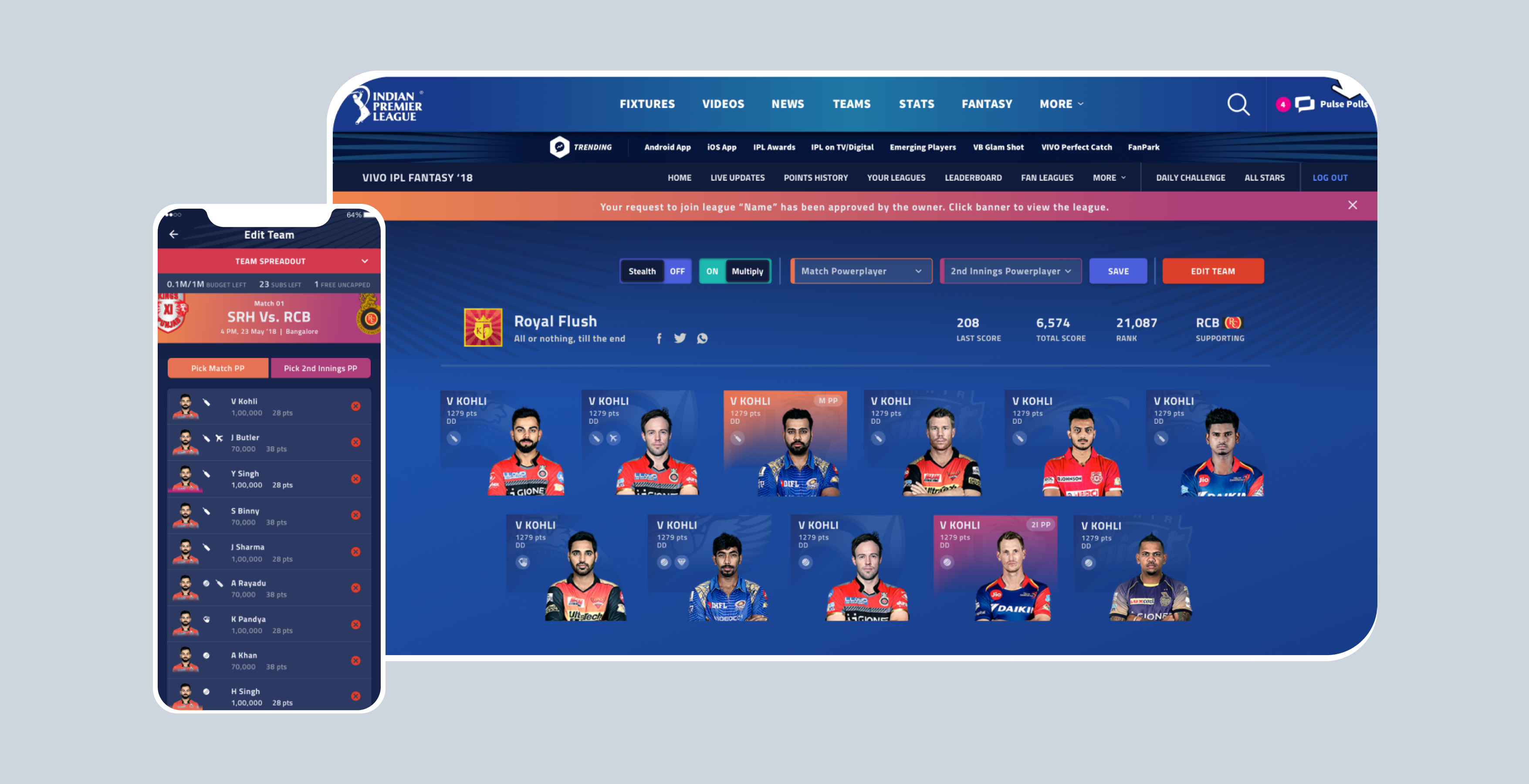
IPL Fantasy League
Innovation and Development Partners for BCCI's official Fantasy Gaming Platform
Banking and Fintech
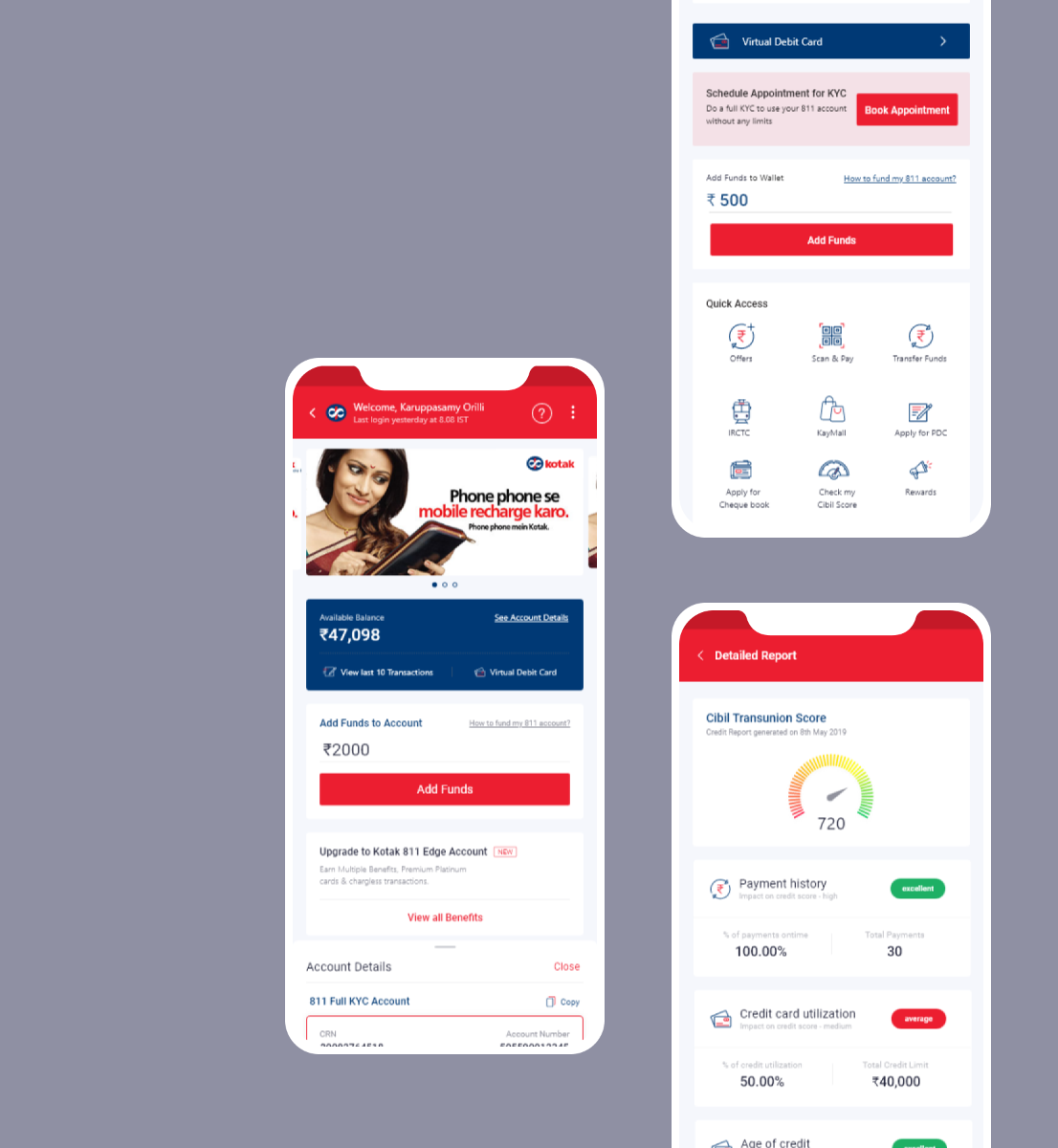
Kotak Mahindra Bank
Designing a seamless user experience for Kotak 811 digital savings account
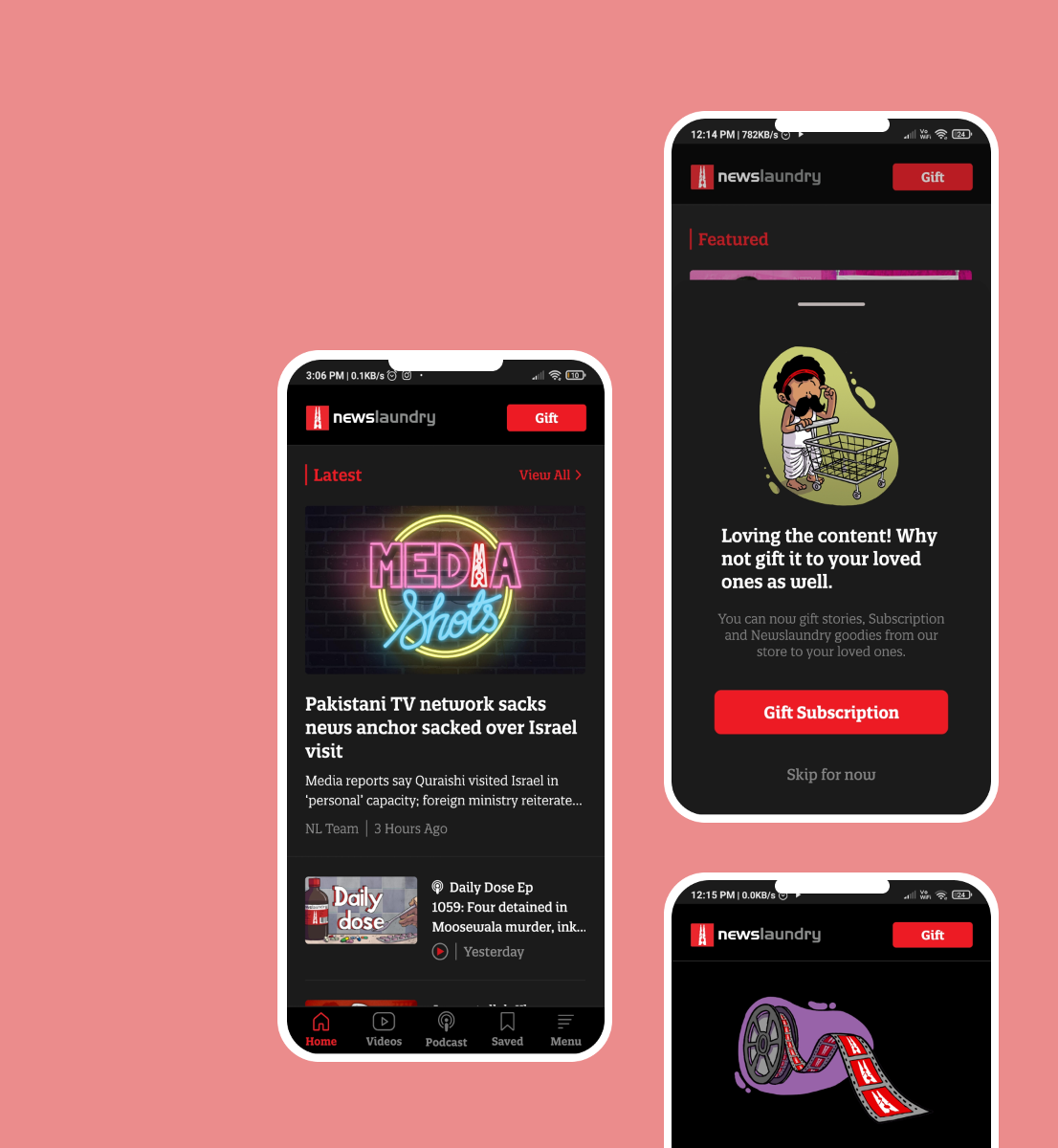
News and Media
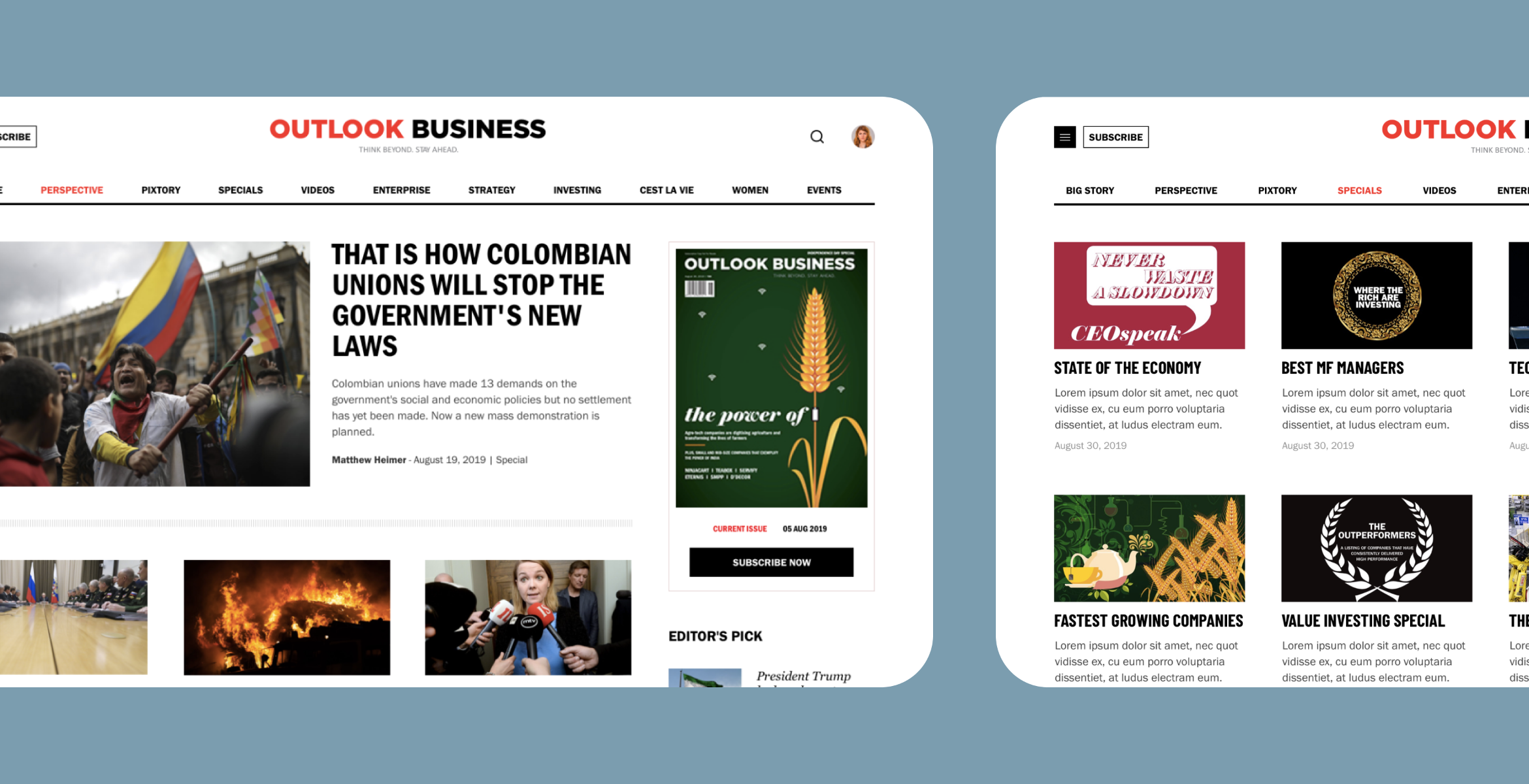
News Laundry
Reader-Supported Independent News and Media Organisation


Written by the Cartoon Mango engineering team. 100+ AI-to-production projects delivered. Based in Bangalore and Coimbatore, India.


Design for Success
AI Automation
- AI Operations
- Manufacturing AI
- Logistics AI
- Retail AI
- Finance AI
- Healthcare AI
- HR AI
Engagement
- Gamification
- Interactive Marketing
Solutions
- Progressive Web Apps
- Legacy Modernization
- Marketplace Apps
- On-Demand Apps
- Maintenance & Support